
Spurpoint
Participant, Volunteer, and Messaging Tracking for Your Racing Events
Get StartedAbout Spurpoint
Born out of a need for better tracking of participants and volunteers at race-type events, Spurpoint is a powerful and intuitive runner tracking application designed for race organizers. Spurpoint provides an element of safety to your event, because you know where your runners and volunteers are at all times.
Download Spurpoint
Available for Windows and Linux (and soon for Mac and ARM devices.)
=== Spurpoint is in active development. Check back frequently for updates. ===
Looking for Briefpoint? The APRS messaging app is located here.
Version History
- Sightings can not be edited or deleted.
- A lot of behind-the-scenes code refactoring.
- Some minor bug fixes.
- (Thank you to Jonas B. for his contributions to this code.)
- Implemented database syncing between client and server instances.
- Client will remain running on local database if connection with server is lost.
- (Thank you to Jonas B. for his contributions to this code.)
- Improved Lead/Last runner algorithm
- Added ability to search the volunteers on the Check In/Out form.
- Adjusted the sort criteria on the volunteers to sort on last name, first name, and call sign...not just last name.
- Assigned volunteers are now designated with an asterisk.
- Added a checkbox to the Check In/Out form to toggle auto-update of the time field.
- Fixed the case where Manage Event dialog would not open if the event image could not be found.
- A limit to the number of bibs you can "sight" at one time is not hardcoded, but there is a constraint on the size of the query sent to the server. See the Spurpoint documentation under Sightings for details.
- Other minor bug fixes, refactoring, and code organization.
- (Thank you to Jonas B. for his contributions to this code.)
- Copies event image into the ..\images folder
- Fixed an issue where Preferences window would not open
- Added new graphics, icons, and color scheme (thank you Erin Eastmond!)
- GPS coordinates now handle 0 values
- Corrected behavior of modal and non-modal dialog boxes
- Added style to search dialog, combo-boxes, and the By Course report
- Reports, messages, and sighting tables and tabs update automatically now
- Added a customizable refresh rate setting in preferences
- Removed APRS functionality from Spurpoint (Moved to stand-alone Briefpoint application)
- Implemented table-level backup and restore
- Age can now be blank when adding or editing a runner
- Reoriented the map coordinates: now accepts SW and NE coordinates (not NW and SE).
- Easier to envision and handles relative coordinates better.
- Users will need to change the reference coordinates in the Event Management screen.
- Map markers are now retrieved from the Spurpoint server, rather than required to be local.
- Implemented client/server architecture
- Updated preferences to handle client/server operations
- Updated documentation to describe client/server operations
- Implemented a web browser backend for transfering images and documentation to remote workstations
- Suppressed the documentation window; documentation now opens in default browser as PDF
- Fixed error conditions that can occur while recording sightings
- Added a progress bar while importing runners and volunteers
- Added ability to remove a map image from the event
- Added GPS coordinate error checking -- must specify coordinates if a map is selected
- The event group is now completely hidden on remote workstations
- Added the preferences dialog.
- APRS now working after adding API key to preferences.
- Updated documentation.
- First release of stand-alone version.
- Issue: An image selected in the Manage Event dialog does not appear.
Resolution: Copy the image (before selecting it) into the spurpoint\images folder.
What Users Say
"Urim dolor sit amet, consectetuer adipiscing elit. Aenean commodo ligula eget dolor. Aenean massa."
- Race Organizer
"Cum sociis natoque penatibus et magnis dis parturient montes, nascetur ridiculus mus."
- Event Manager
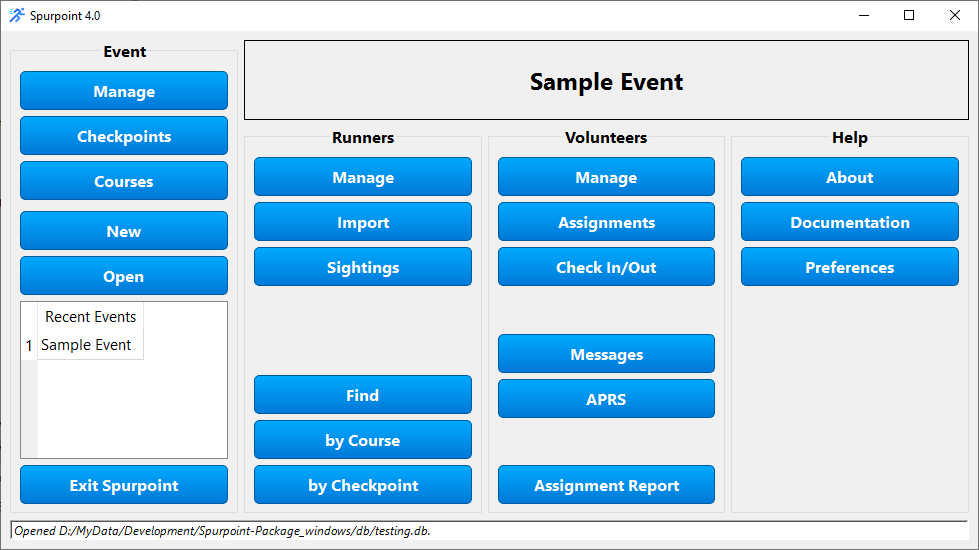
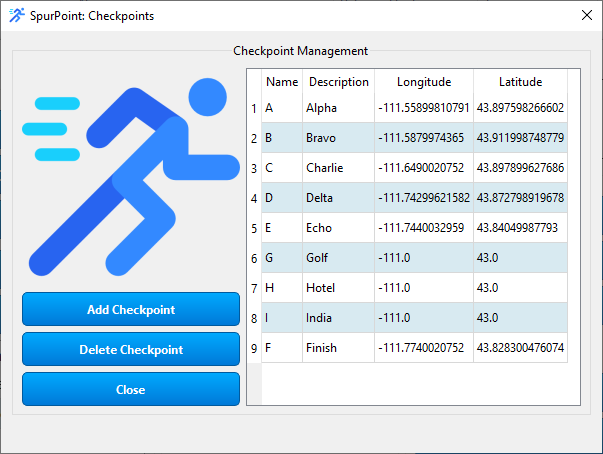
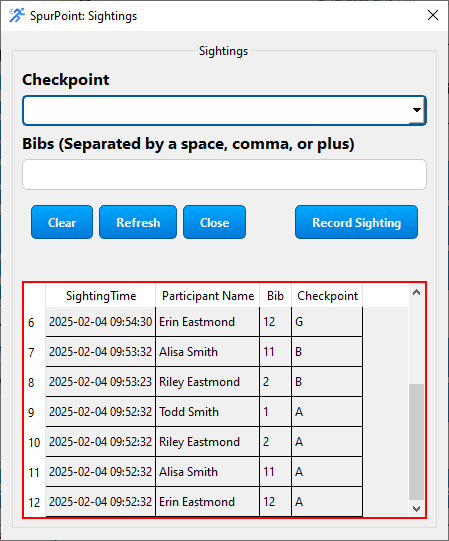
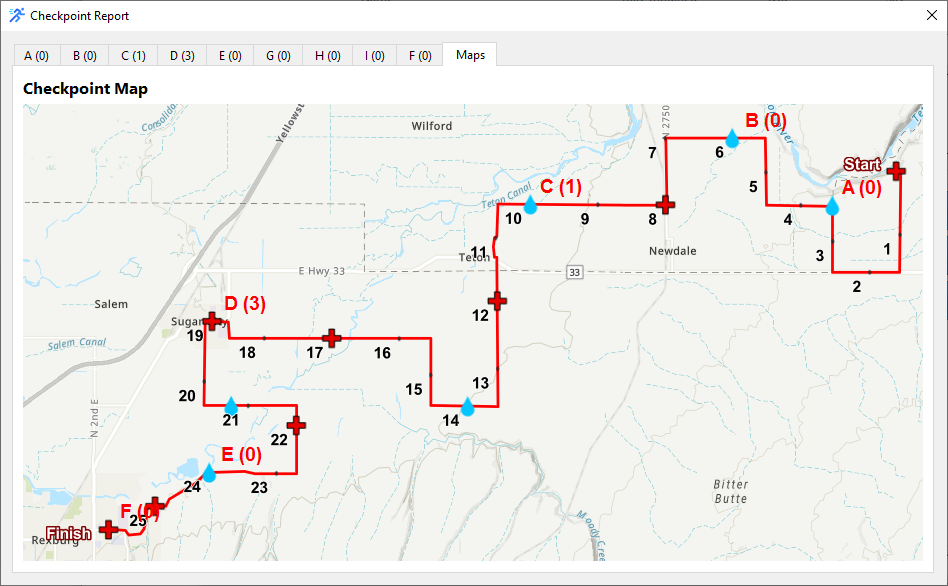
Spurpoint Screenshots
Frequently Asked Questions
Spurpoint is free to download and use.
I only ask that you email me and let me know how you're using it.
Spurpoint is currently available for Windows, Linux, and ARM (e.g. Raspberry Pi).
I am working on a distribution for Mac.
Not at all! You can gather information about your race participants any way you desire. Phone calls, SMS texts, FRS radio, smoke signals, or even just yelling at each other across the field.
I use amateur radio in my events, but you can use whatever works for you.
I want you to be able to use Spurpoint error free. If you are experiencing a problem or seeing errors or other anomolies, please let me know (n7tms@yahoo.com) and I'll do everything in my power to get it resolved as soon as possible.
Absolutely! I am committed to making Spurpoint the best it can be. Although I probably can't make Spurpoint everything for everyone, I will certainly listen seriously to your suggestions.
I do accept donations of any amount via a PayPal link on RexburgHams.org -- whatever you feel the software is worth to you.
I also like reviews. If you consent to having your review posted on the Spurpoint website, let me know.
Even if you do not want your review posted, I'd still be interested to know what you think.
We'd Love Your Feedback and Suggestions
Email us at n7tms@yahoo.com